Claude Code from zero
Six step-by-step videos that take you from nothing installed to beat-synced reels from one prompt. No coding needed. Every command is in a copy-paste guide.
Start with Video 1. About 49 minutes for all six.
One step at a time.
Each video does one job. Watch them in order, pause after every command, and tick it off in the guide.
-
Start here
01SETUP
 10:31
Set up Claude Code
Install it, run your first session, then the two files that make it work your way.
- Install
- First session
- CLAUDE.md
- Skills
-
02TOOLBOX
 8:15
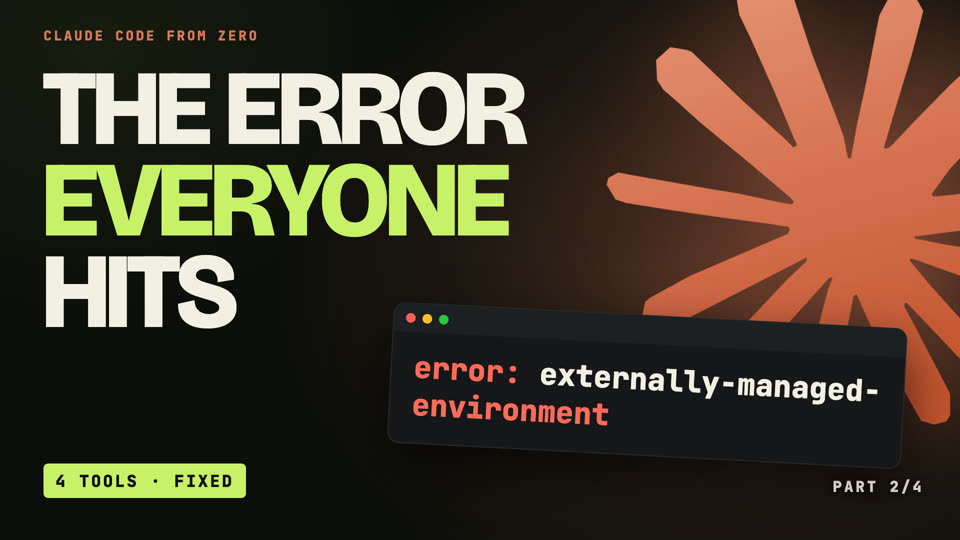
The toolbox
The four tools for making videos with code, including the Python error almost everyone hits, and the fix.
- Homebrew
- Python + venv
- Playwright
- ffmpeg
-
03BUILD
 10:09
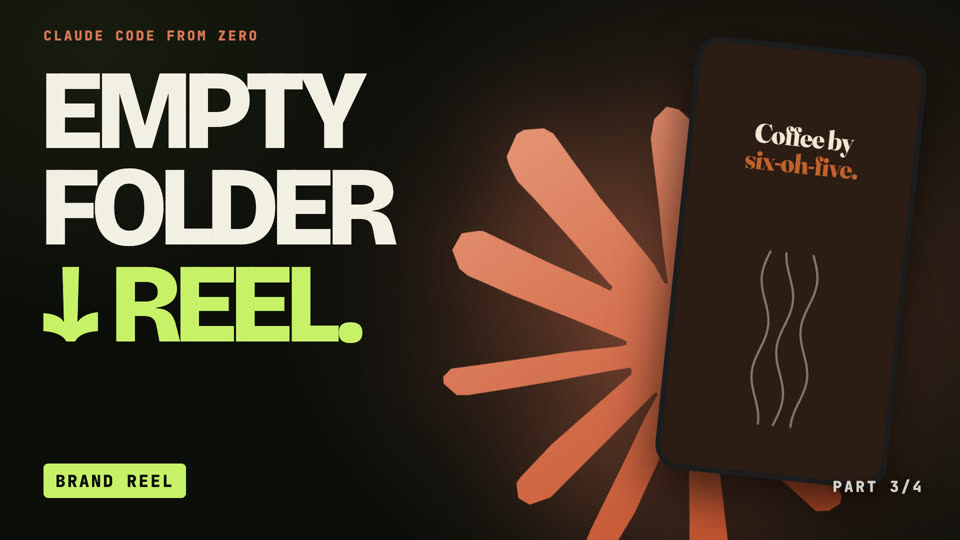
Build a reel for a brand
A real 12-second Instagram reel for a made-up bakery, from an empty folder to a finished MP4.
- Brand skill
- Real assets
- Test stills
- Render
-
04SKILLS
 6:59
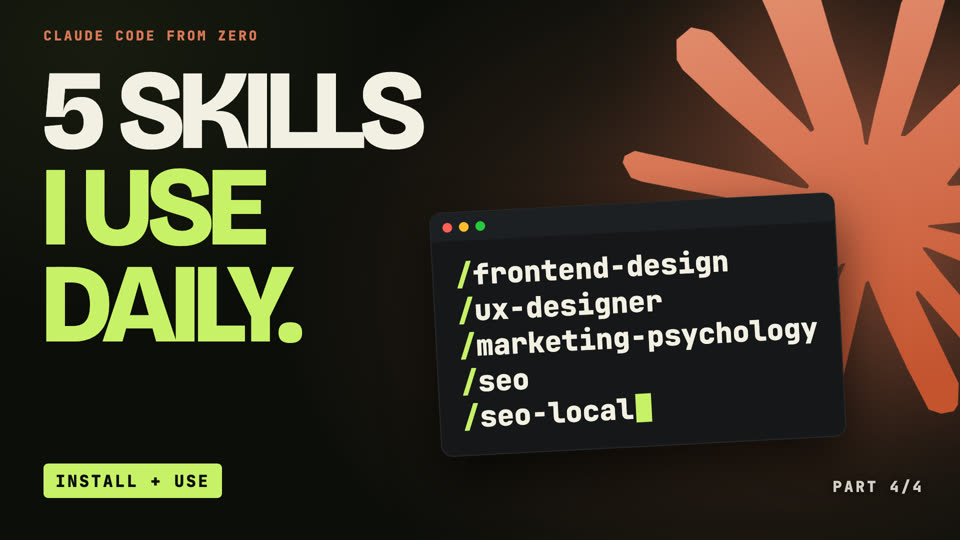
5 skills I use every day
Where each one comes from, how to install it, and how I actually use it.
- frontend-design
- ux-designer
- marketing-psychology
- seo + seo-local
-
05MOTION KIT
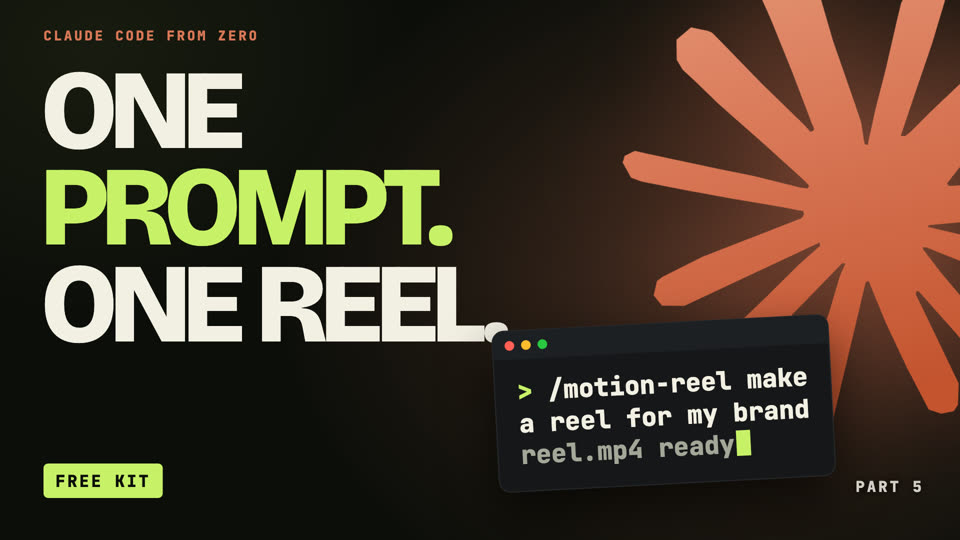 6:13
Get the Motion Kit
A free kit of tested tools plus a skill. Install it once, then every beat-synced reel is one prompt.
- Install
- The skill
- One prompt
- Reuse it
-
06BEAT SYNC
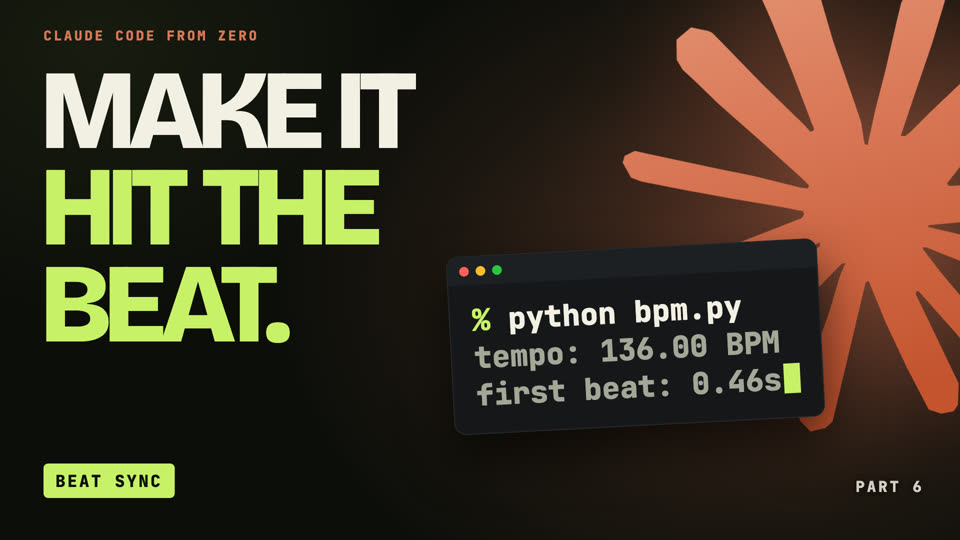 7:01
Make a reel hit the beat
How the beat sync inside the kit works: tempo, hits to frames, land with the hit, logo on the drop.
- Tempo
- Hits to frames
- Land with the hit
- The drop
The Motion Kit.
Five small tools, a template and a skill for Claude Code. Install it once, then ask: /motion-reel make a reel for my brand. Every line lands on a hit, and your logo lands on the drop.
Needs Claude Code (Video 1) and Python + ffmpeg (Video 2). Use music and photos you have the rights to.
Watch. Copy. Tick.
Watch one step
One action per screen. Every window says who types where: you in Terminal, or you to Claude.
Copy the command
The guide has every command with a copy button, like claude --version. Pick Mac or Windows once.
Tick it off
Check each step as you go. Your ticks stay in your browser, so you can stop and pick it back up later.
What you need.
Honest list. The videos are free; Claude Code itself is not.
- A Claude planPro or higher. The free plan doesn’t include Claude Code.
- A computermacOS 13+ or Windows 10 (1809 or later), 4 GB of RAM, internet.
- For Videos 2-3Playwright needs macOS 14+ or Windows 11+.
- Coding?None. You type plain English and copy commands.